Warnings you can adjust.
Choose how early Curfew reminds you to wrap up.
A curfew for your Mac. Set your finish time and let Curfew enforce it, so work leaves room for the rest of your life.
Get CurfewFree & open source · macOS 26+
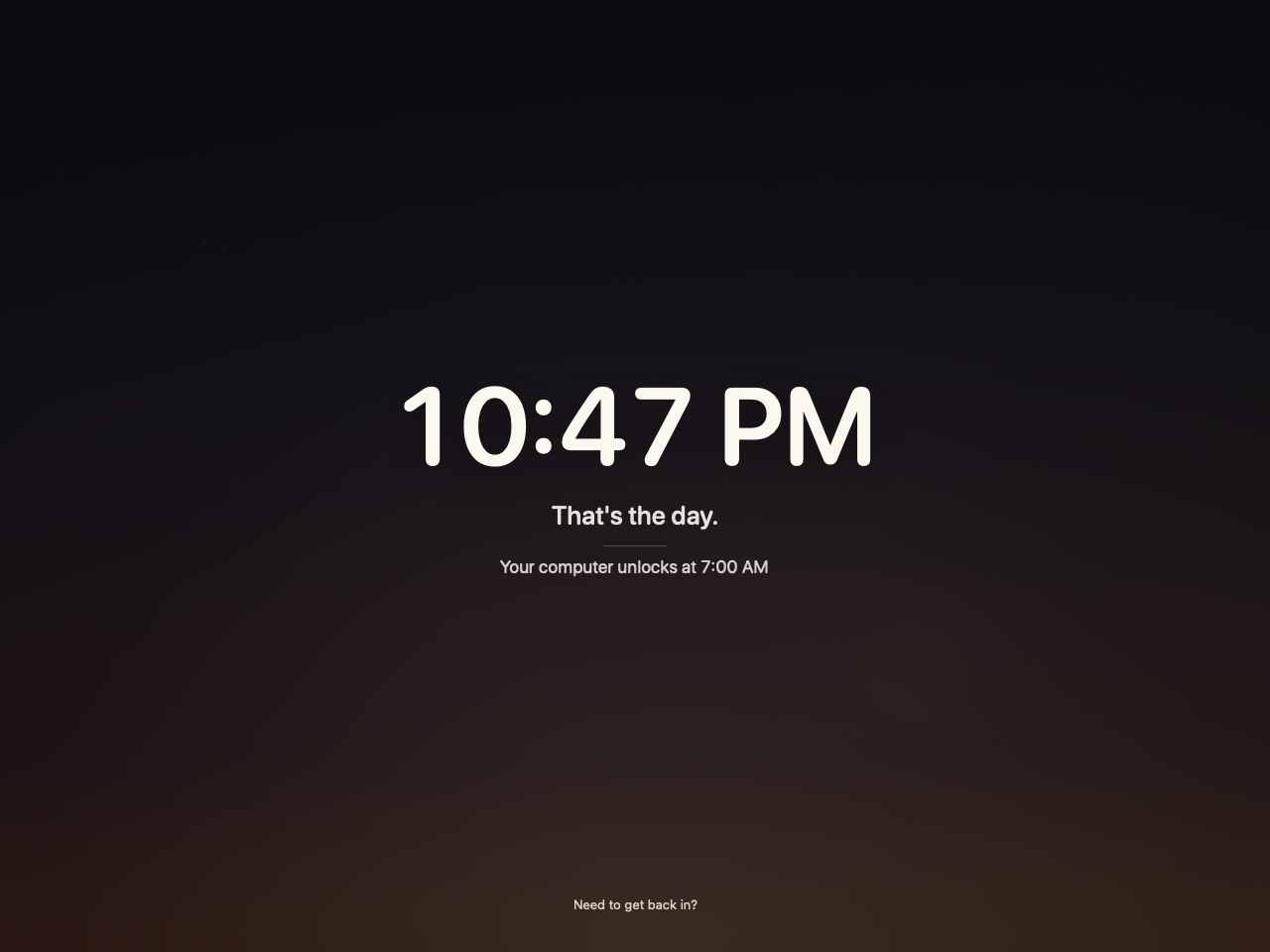
Curfew gives you time to save your work, then locks your Mac until your scheduled return. Your curfew holds, even when there’s one more thing to do.
Decide when work ends and when you’ll be back. Set different hours for each day, including shorter Fridays and days off.
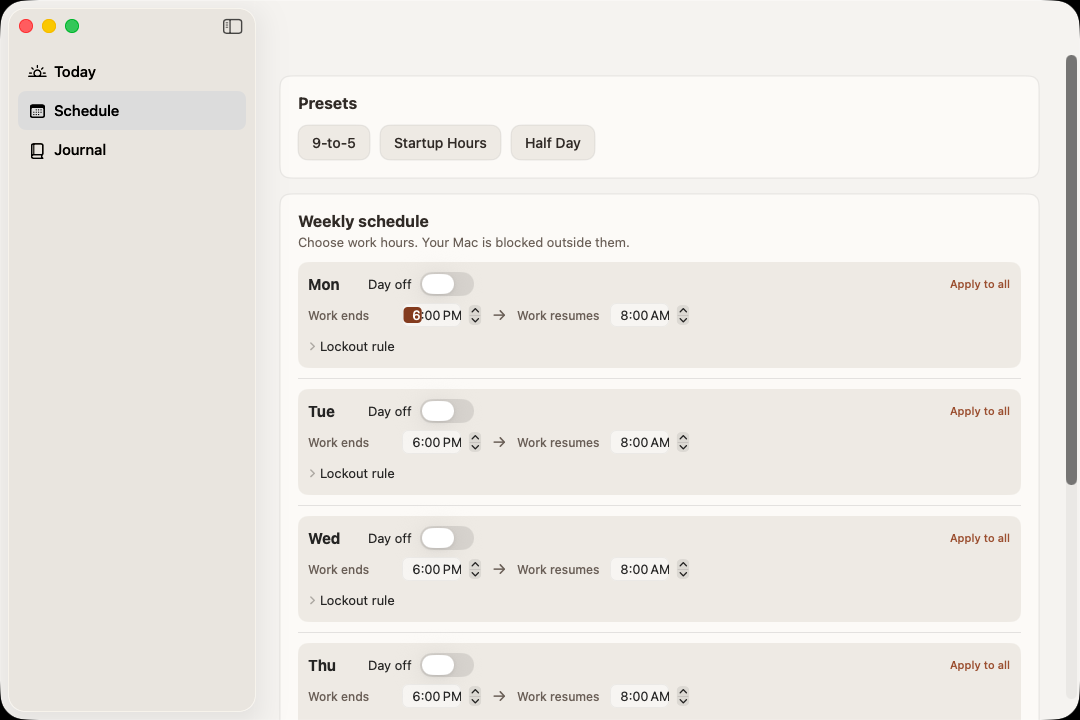
Choose how early Curfew reminds you to wrap up.
Limited extensions and overrides let you finish urgent work.
Have your Mac shut down after lockout.
One schedule across your devices. Cross-platform sync is coming soon with Curfew Plus. Plus is not available for purchase yet.
About Curfew PlusConnect Curfew to Claude, ChatGPT, or Codex. Choose devices and confirm a lock inside your assistant. Local MCP tools can also check your schedule and request extensions.
MCP guideCurfew is available for Mac only, on macOS 26 or later. There isn’t a Windows or Linux version yet. Cross-platform functionality is coming soon with Curfew Plus.
Yes. Curfew is free and open source. Curfew Plus is not available for purchase yet.
No. You can set schedules and use lockout without an account.
During lockout, you can request an override. Enter a reason and confirm to use one of your remaining overrides.
Yes. Curfew is a commitment device, and a determined person can bypass it. It adds a deliberate step between your finish time and more work.
Download Curfew from the download page for installation instructions. Curfew requires macOS 26 or later.